Connectors
Connectors pull translatable content directly from the systems where it lives and push translations back, removing manual file shuffling.
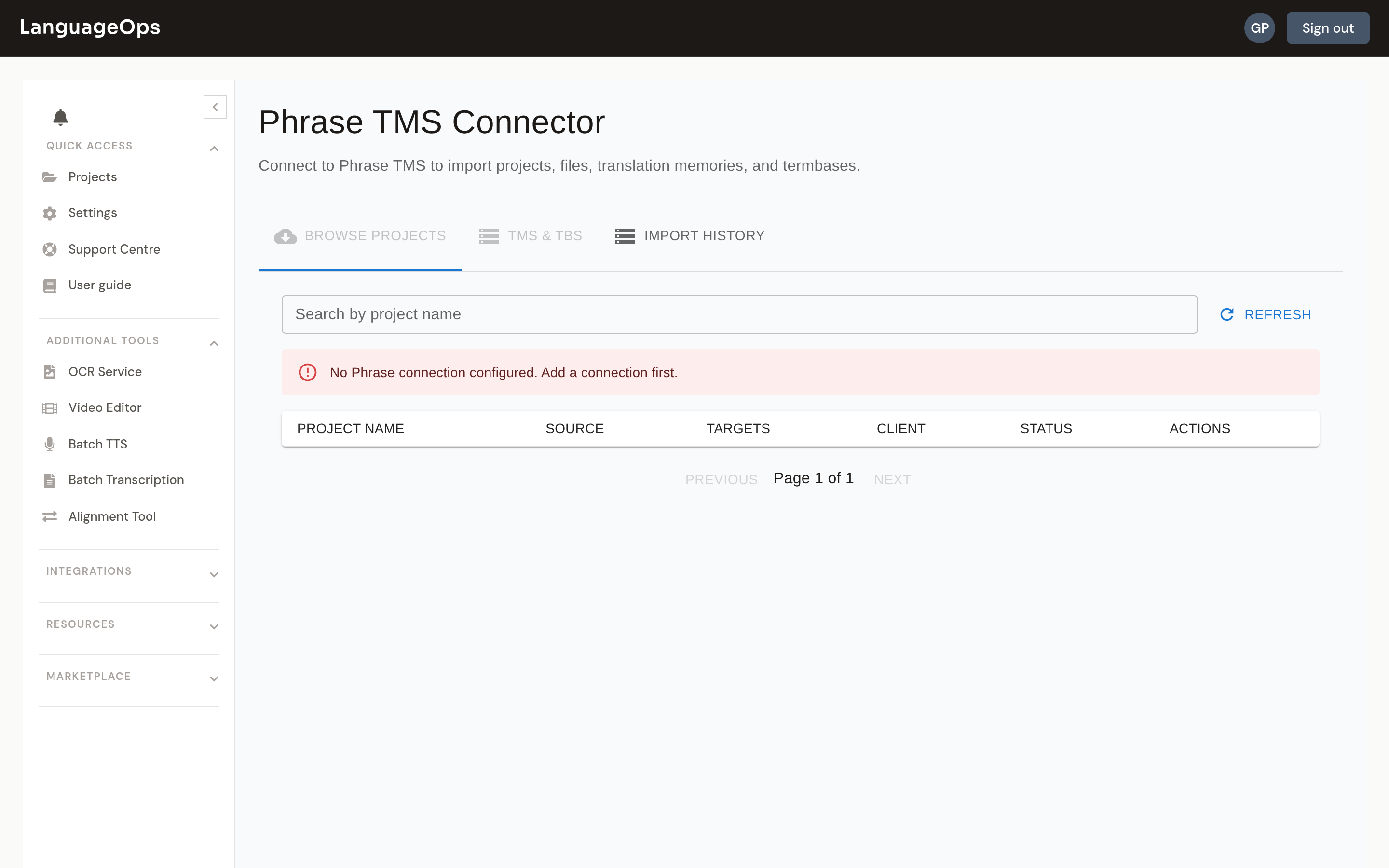
Available connectors
- TMS platforms: Phrase (Strings), Lokalise, Crowdin, XTM, XTRF, memoQ CMS, Plunet, Lionbridge
- Code & content repos: GitHub, GitLab, SharePoint, SFTP
- CMS / commerce: WordPress, Shopify, Adobe Experience Manager, Zendesk
Each connector lives under Connectors in the sidebar with its own configuration page for credentials, project mapping, and content selection. Every connector page includes a setup guide that covers where to create the source-system token, which scopes to grant, and whether admin consent is required. Newer connectors are marked Beta.
Typical flow
- Configure the connector with API credentials for the source system.
- Browse and select the content to translate (e.g. a Phrase project, a GitHub branch's locale files, WordPress posts).
- Imported content becomes files in a LanguageOps project and goes through the normal translate → QA → review pipeline.
- Push the completed translations back to the source system from the same page.
tip
Connector credentials are stored per organisation. If a connector reports authentication errors after working previously, the source-system token has usually expired. Re-enter the credentials in the connector configuration.